
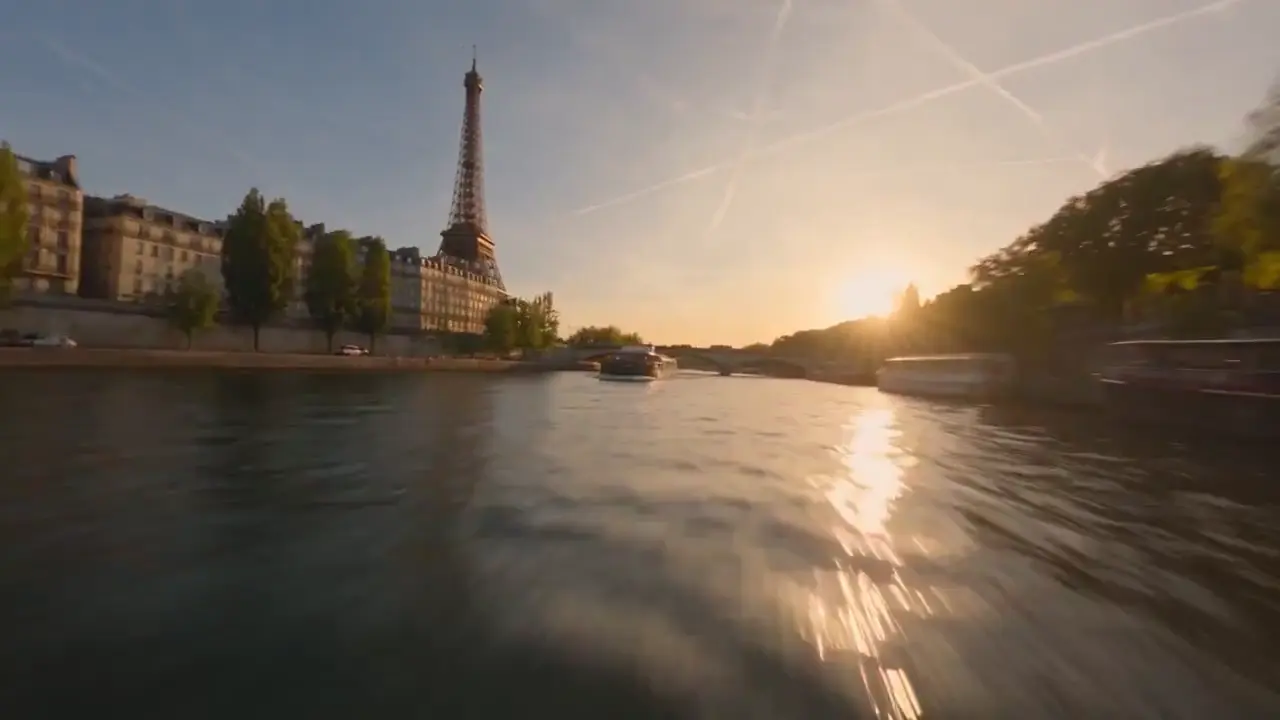
Write who, where and what moves
A woman at a rainy bus stop looks up as the bus pulls in: one line like that is enough to start.
Start without an account · Sound in every video · No watermark
Free image to video AI that starts before you have an account: no sign-up to begin, no daily cap on a free account, and every video has sound.
MiniMax H3 · Veo 3.1 Fast · Grok Imagine Video 1.5
Free image to video AI turns one still into a short video with its own sound. Upload a portrait, a pet, a product shot or an old family picture, write what should move and what we should hear, and download the video. The first needs no account, a free account keeps going, and a plan adds longer, sharper videos you can use for work.
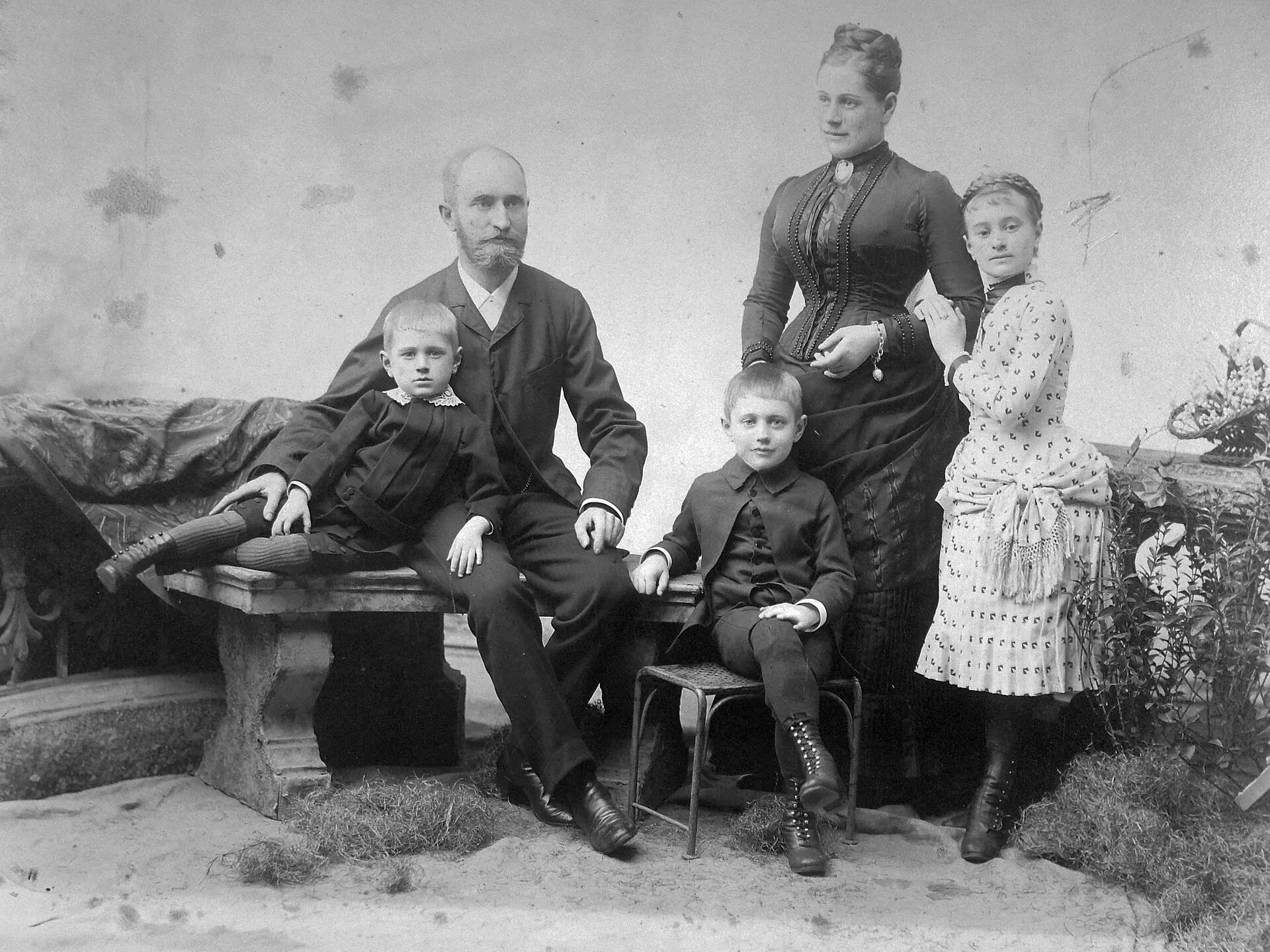
Upload a photo and press the button: the video renders free before you make an account or type a card number. A free account keeps every video free, and a plan is there for videos you post for work.
All three columns run MiniMax H3; a plan adds 768p, longer clips, more models and commercial use.
A free account never turns down the next video, so the tenth idea of the day still gets made, with its sound and no watermark.
Sign in, upload, and the video goes in: the same free 4-second video with sound and no watermark, with no daily cap.
What is free
Every MiniMax H3 video on a free account, with sound and no watermark, for your own posts and messages.
What takes turns
Start with the photo you care about most, and the next one is free too.
What a plan changes
Clips start ahead of the free ones, run longer and sharper, and can go into ads and client work.
The audio is written into the same file as the picture, and nothing is stamped on the frame, free or paid. Each of these three opens on one ordinary photo; put the words or the sound you want in your prompt.
Sound, no watermark
3
No picture yet? Type the scene in one line and the same free account makes it into a video with sound, on the same terms as a photo. Typing and uploading, side by side, are on the free AI video generator no sign up page.
A woman at a rainy bus stop looks up as the bus pulls in: one line like that is enough to start.
Rain on the shelter roof, an engine, a voice calling her name: write it and it comes in the free video.
The same box takes either one; drop a picture in and that picture becomes the first frame.
A free account already makes every video you want to try. A plan is for the videos you post for work: sharper and longer H3 videos with no monthly cap, the right to run them in ads and client work, and two bigger models.
MiniMax H3
On any plan, H3 videos render sharper and run up to 15 seconds, and they are yours to use in ads, client work and monetized channels.
Pick the photo, say what moves and what we hear, then download the video. You start free, with no sign-up.
A clear picture from your camera roll works best; it becomes the first frame. No photo? Type the scene instead.
Name the action, the camera move and the sound: she turns and laughs, the camera pushes in, waves behind her.
The video comes with its sound and no watermark. Not quite it? Change one word and make another on your free account.
Old portraits that smile back, a pet and a cartoon character dancing, a street dancer at sunset: the kinds of motion you can ask for, free, from one photo. Pick the one closest to your picture and ask for the same. For a portrait that just blinks and smiles, a painting that moves or clouds rolling over a landscape, animate photo AI has a template for each.
Straight answers on what is free, what needs an account, and what a plan adds.
Yes. You start with no account and no card, and a free account keeps going with no daily cap. Each free clip is a 4-second, 480p MiniMax H3 video with its own sound and no watermark, for personal use.
Yes. Upload a photo and press the button; it starts a few minutes later with no account, and a countdown shows when. To keep going, sign in with a free account, which costs nothing either.
On a free account, yes: there is no daily cap. Sign in free and keep making 4-second videos with sound and no watermark.
No. Free clips have no corner logo and no end card, so what you download is just your video, ready for your feed or the family chat.
Yes. MiniMax H3 writes the audio into the same free video: a voice, footsteps, rain, a crowd. Say what we should hear in your prompt and it comes in the file; the image to video AI with sound page shows how to write it.
Upload the photo, write one line about what moves and what we should hear, and press the button. The free video comes back in your browser with its sound, ready to download; no app, no editor.
Yes. Type the scene instead of uploading a picture, and the same free account turns it into a video with sound on the same terms as a photo.
Free clips are for personal use: your own posts and messages. Ads, client work and monetized channels need a paid plan, from $14.90 a month, which includes commercial use.
4 seconds. Plans make longer clips: MiniMax H3 up to 15 seconds at 768p, Grok Imagine Video 1.5 at 15 seconds and Veo 3.1 Fast at 8 seconds, both 720p with sound.
No. The free video renders on our side and plays in your browser, on a laptop or a phone, so there is nothing to install and no model to download.
Pick the photo you want to see move. It comes back free, with its sound, before you make an account, and every plan and what it adds is on the pricing page.